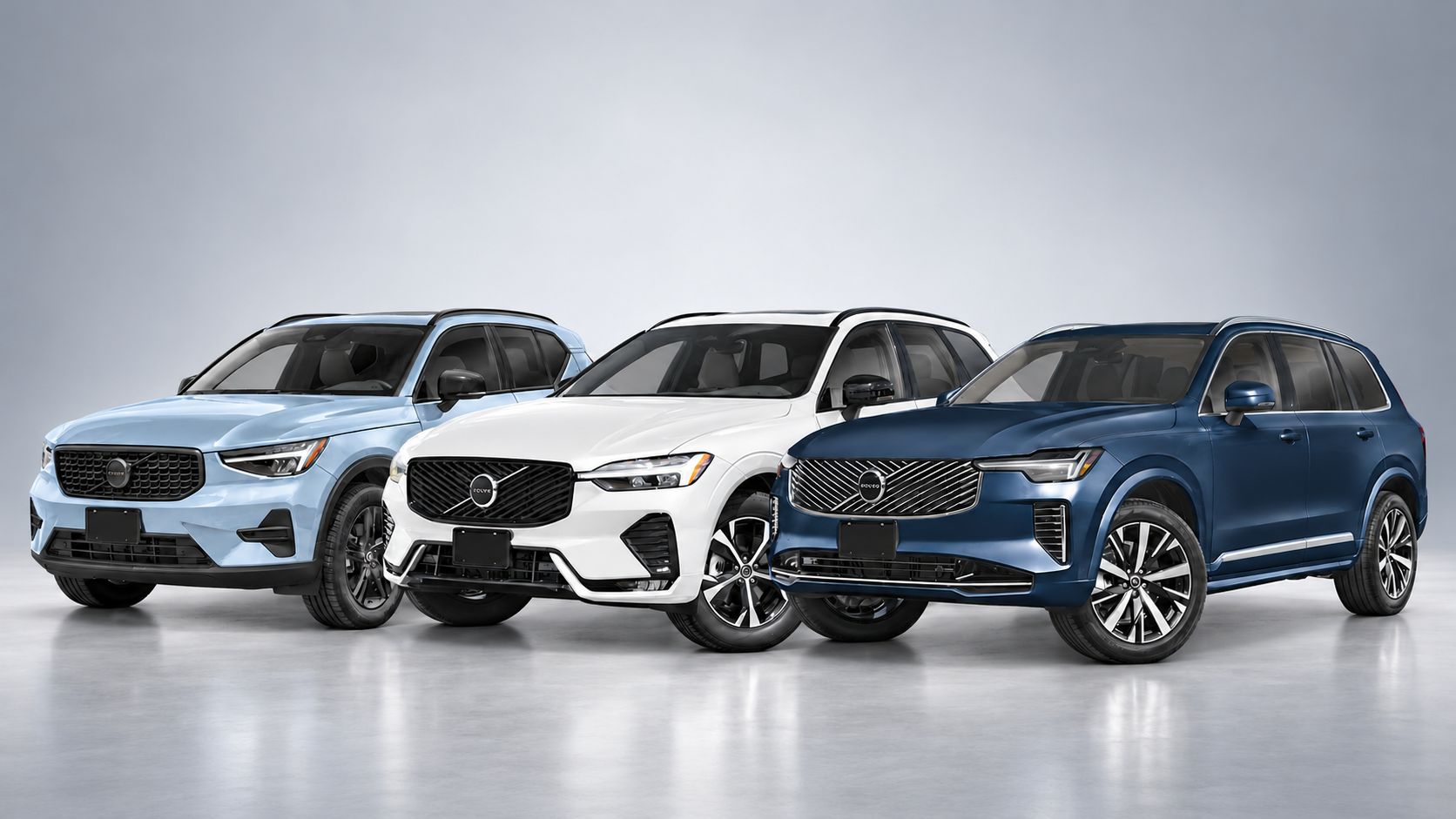
Volvo XC40, XC60, and XC90: Finding the Right Fit for Passengers and Cargo
Choosing a Volvo SUV starts with how you use your vehicle. Your commute, passengers and everyday cargo all help determine which model makes the...
Read moreVolvo Cars Villa
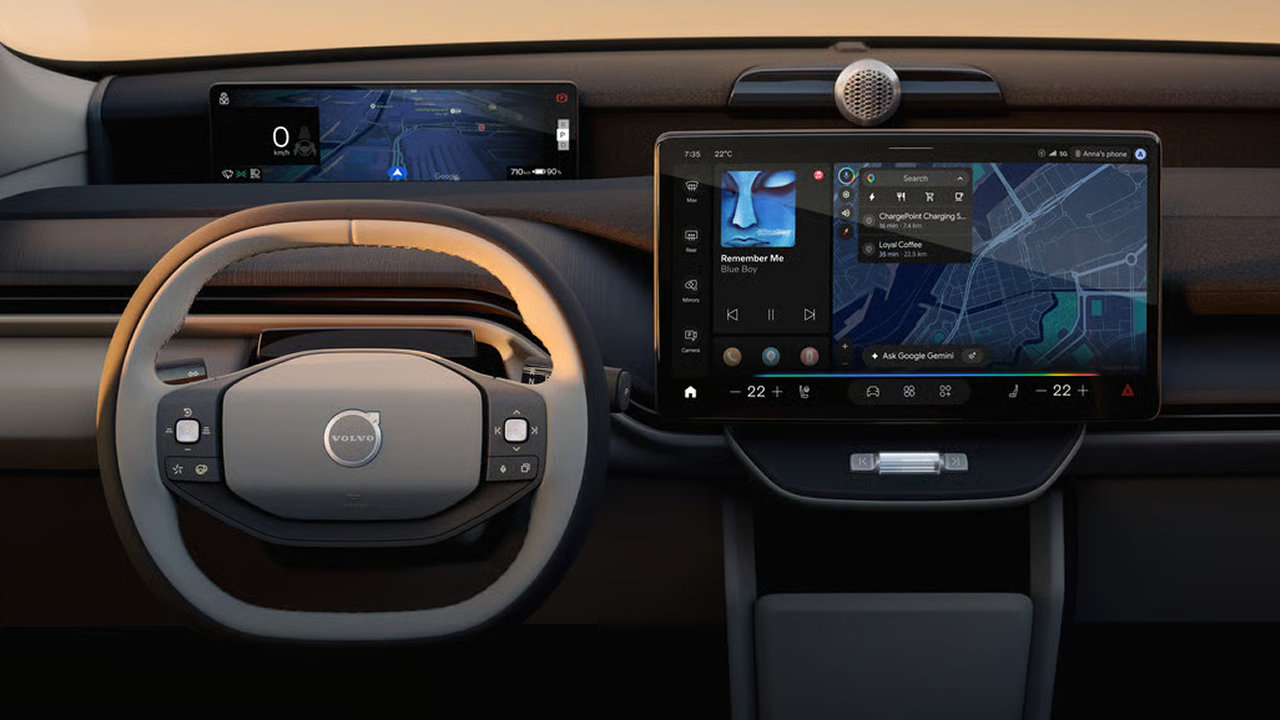
Navigation, entertainment and vehicle controls are part of everyday driving. How easily you can access them matters, whether you’re checking directions before leaving home or adjusting the temperature during your commute.
In Volvo vehicles equipped with Google built-in, familiar Google services are integrated into the vehicle’s infotainment system. Google Maps, Google Play and voice assistance bring navigation, compatible apps and supported voice controls together through the car’s interface.
For drivers considering a new Volvo at Volvo Cars Villa, understanding these functions can help you make the most of your time behind the wheel.
What Does Google Built-In Mean?
Google built-in means the vehicle runs supported Google apps and services directly through its infotainment system. You can access the built-in services without using your phone to project those apps onto the display.
It helps to think about three separate parts of the experience: the apps installed in the vehicle, the accounts used to personalize them and the internet connection that supports their online functions.
Google Maps: Navigation With Live Traffic Information
Google Maps provides turn-by-turn directions, live traffic information and alternative routes through the vehicle’s built-in system. Voice navigation is also available once the supported voice assistant has been set up.
For drivers travelling through Thornhill and the Greater Toronto Area, this can be useful when comparing routes before a commute or checking directions to an unfamiliar appointment. Drivers who already use Google Maps can work with a familiar service.
During your test drive, try searching for a destination you visit regularly. Look at how clearly the route, upcoming turns and arrival information appear, and ask how navigation is displayed in the specific Volvo you’re considering.
Additional Route Planning for Electric Volvos
In compatible fully electric Volvo vehicles, Google Maps adds information that helps with charging decisions. It can estimate the battery charge remaining at your destination, incorporate charging stops into a route and suggest how long to charge.
Drivers can also search for charging stations using filters such as charging speed, network, connector type and availability.
This gives an electric vehicle owner more information than distance and arrival time alone. When planning a longer drive, you can consider where charging fits into the journey before setting off.
Charging estimates remain planning tools. Allow room in your schedule for changing conditions and check the details of your intended charging stops.
Voice Assistance: Accessing Functions by Speaking
Volvo’s Google integration supports voice requests for functions such as directions, calls, messages and temperature adjustments. Saying “Hey Google” provides a way to begin a supported request without navigating through touchscreen menus.
The voice experience is also evolving. Volvo is introducing Google Gemini as an opt-in upgrade to Google Assistant in eligible vehicles with Google built-in.
To receive the upgrade when available, the vehicle needs an internet connection and a Google account signed in to its Google services. The upgrade applies to the individual signed-in vehicle profile.
Because vehicles may be at different stages of this rollout, ask which assistant is available in the Volvo you’re viewing. Try a few everyday requests while parked to learn how it responds.

Google Play: Apps Selected for Your Vehicle
Google Play lets drivers download compatible navigation, parking, entertainment and other apps directly to the vehicle. Supported services can provide music and podcasts during a drive, while compatible video entertainment is available when stationary.
Before choosing a vehicle, check whether the services you use are supported. Your preferred phone app may have different features—or may not be available—in its vehicle version. App compatibility, account requirements and any separate subscriptions should be considered individually.
The most useful setup is one built around what you actually use. Start with your preferred navigation and audio services, then explore additional apps once you’re comfortable with the main controls.
Connectivity and Volvo Connect Plus
An internet connection supports functions such as streaming, live traffic and online voice services. Volvo offers Connect Plus to provide in-car internet connectivity and data for Google built-in apps, subject to its terms, coverage and fair-use policy.
Without an active vehicle data plan, some services may work through Wi-Fi or a mobile hotspot where supported. However, functionality and hotspot compatibility vary, and your mobile carrier may apply data limits or additional charges.
When comparing vehicles, ask what connectivity is included, how long it lasts and what renewal involves. This is especially useful when buying a pre-owned Volvo, where the remaining service period may differ from a new vehicle.
Explore Google Built-In at Volvo Cars Villa
Whether you’re interested in built-in navigation, voice controls or electric route planning, a hands-on demonstration can help you understand how the system fits your routine.
The team at Volvo Cars Villa can walk you through the interface, explain connectivity options and help you explore the features available in the model you’re considering.
Visit Volvo Cars Villa to experience Google built-in and book a test drive in your next Volvo.
Volvo XC40, XC60, and XC90: Finding the Right Fit for Passengers and Cargo
Choosing a Volvo SUV starts with how you use your vehicle. Your commute, passengers and everyday cargo all help determine which model makes the...
Read more
Planning an Ontario Fall Road Trip in Your Volvo XC90
A fall road trip can mean several hours on the highway, luggage in the back and weather that changes throughout the day. Having a vehicle that’s...
Read more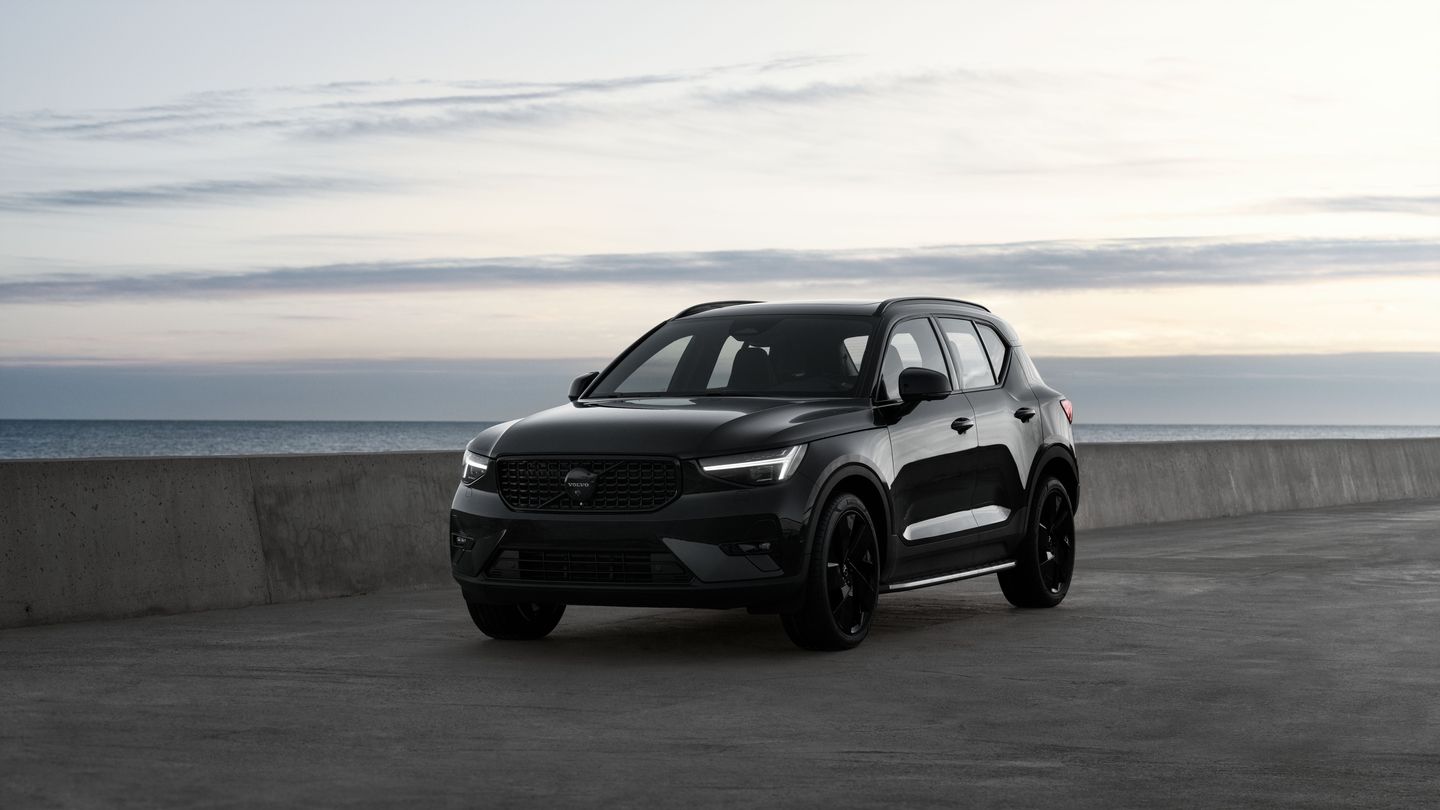
2026 Volvo XC40: What Are the Powertrains Offered?
Ontario driving asks a lot of a compact luxury SUV: highway commutes, tight downtown parking, gravel cottage roads, and everything between. The...
Read morePowered and developed by